> ## Documentation Index
> Fetch the complete documentation index at: https://docs.disqoai.com/llms.txt
> Use this file to discover all available pages before exploring further.
# Settings
> Learn how to manage your account settings, create organisations, and configure your disQo.ai workspace
The Settings area in disQo.ai allows you to:
• Manage your personal account
• Configure your subscription
• Set up integrations
• Manage your team and billing (if part of an organisation)
All settings are accessible from the sidebar for easy navigation.
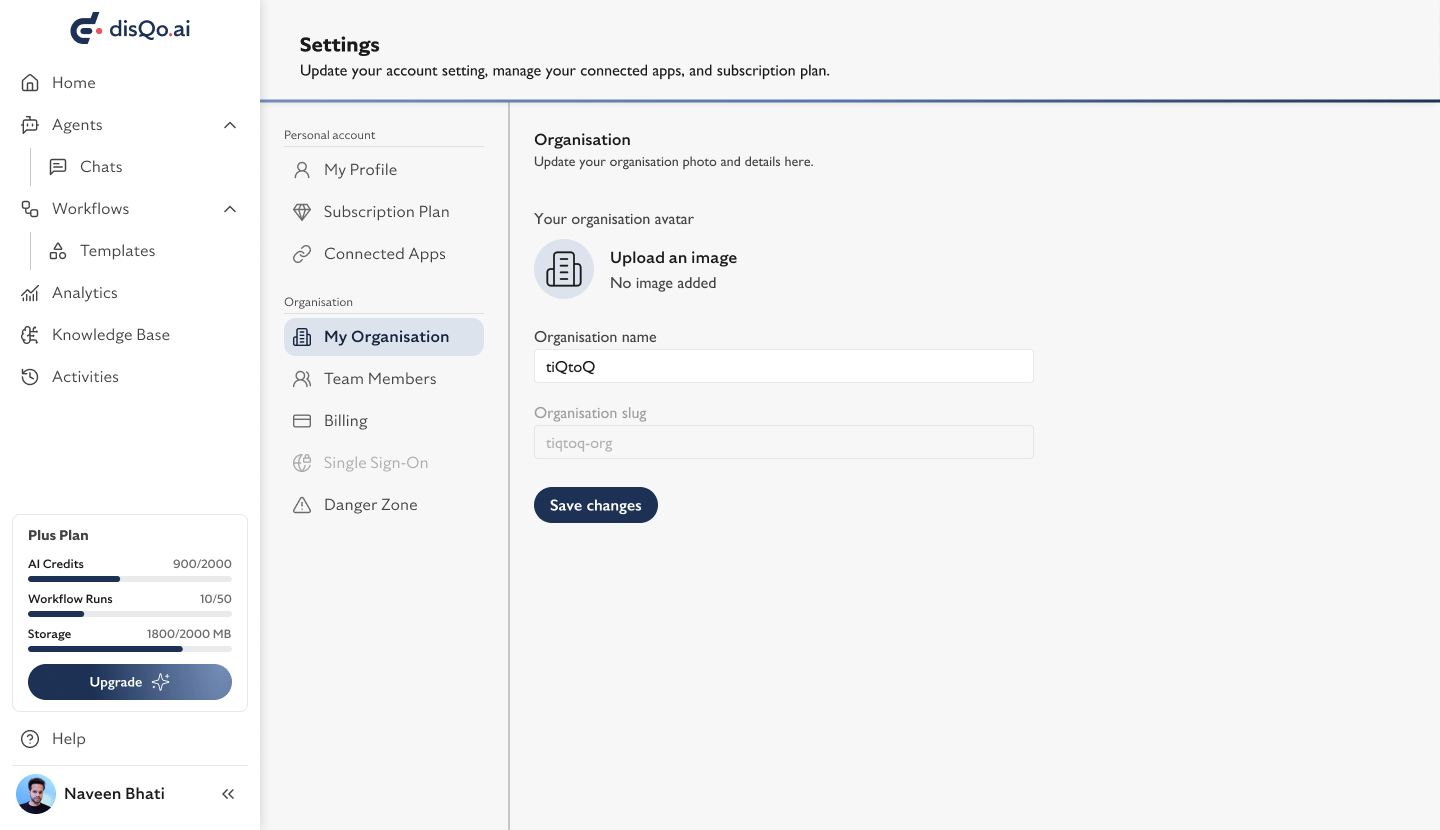 ## What You Can Manage in Settings
* (Visible after creating an organisation)
* Update organisation details and avatar.
* Invite, view, and manage your team.
* Manage your organisation's subscription and payments.
* Leave, delete, or transfer your organisation.
You can create an organisation directly from the Settings area. For step-by-step instructions, see the page.
* Switch between light and dark mode.
* Log out of your account securely.
Organisation management, team, and billing options will only appear after you have created or joined an organisation.
## What You Can Manage in Settings
* (Visible after creating an organisation)
* Update organisation details and avatar.
* Invite, view, and manage your team.
* Manage your organisation's subscription and payments.
* Leave, delete, or transfer your organisation.
You can create an organisation directly from the Settings area. For step-by-step instructions, see the page.
* Switch between light and dark mode.
* Log out of your account securely.
Organisation management, team, and billing options will only appear after you have created or joined an organisation.